Prompt Detail
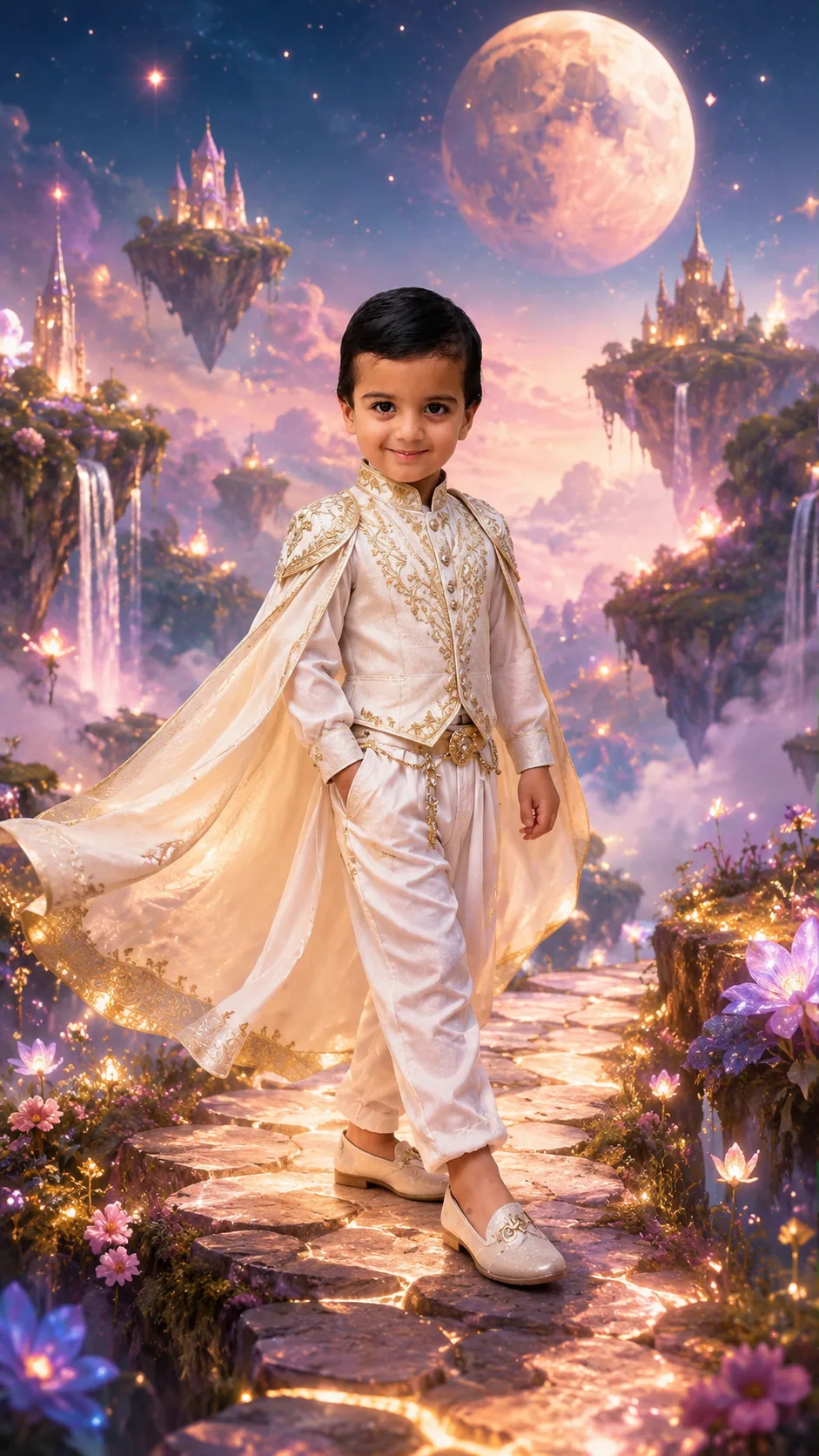
Cinematic Dreamland Fantasy Portrait
Copy Prompt
Copy the full prompt text to use it anywhere you like.
Copy was blocked by your browser. Select the prompt text below and copy it manually.
Choose image aspect ratio
Selected:Original keeps the saved wording. Choosing a ratio edits the copied text; also set the output size in your image tool.
Copy was blocked by your browser. Select the prompt text below and copy it manually.
Prompt guide
How to use this AI image prompt
Overview
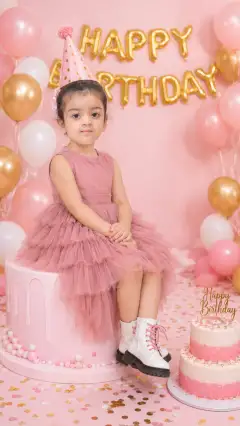
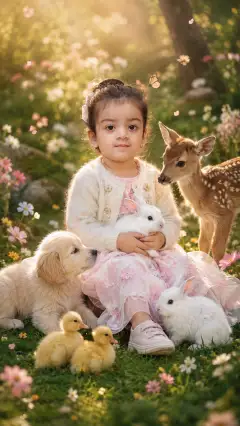
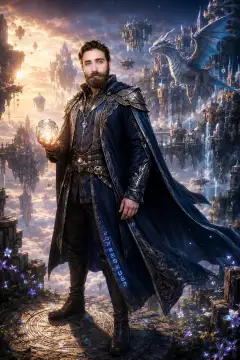
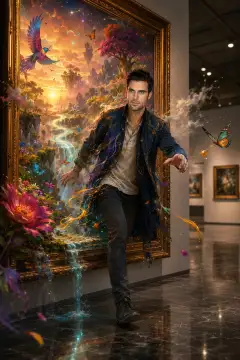
Cinematic Dreamland Fantasy Portrait is designed to transform an uploaded photo into an ultra-realistic fantasy scene while keeping the person recognizable. The subject stands on a glowing pathway above soft clouds, surrounded by floating islands, sparkling stars, magical waterfalls, glowing flowers, gentle mist, and a giant moon. A pastel sky, volumetric light rays, realistic shadows, and shallow depth of field create a polished cinematic atmosphere.
This AI image prompt is especially useful when identity preservation matters. It directs the model to retain the subject’s face, facial features, skin tone, hairstyle, and body proportions rather than producing a loosely inspired fantasy character. The elegant outfit and magical background add a fairytale style without intentionally changing who the person is.
The prompt can work as a ChatGPT image prompt, Gemini image prompt, or Gemini photo prompt, depending on the image-generation features available in the chosen model. It is suitable for adults and kids, although uploaded photos of children should always be used with appropriate permission and care.
Best Use Cases
This prompt is a strong choice for creating celebration portraits, imaginative keepsakes, fantasy-themed profile images, and social media artwork. Its combination of a clearly visible person and a detailed dream scene makes it useful when a standard portrait feels too plain but recognizable facial identity remains important.
Parents or families can use it for a magical kids’ portrait with a gentle fairytale mood. Creative users can adapt it into fantasy photography featuring moonlit clouds, floating islands, or glowing flowers. It also suits full-body vertical artwork intended for stories, reels, wallpapers, or other 9:16 displays.
As an AI photo editing prompt, it is most effective when the goal is to preserve the uploaded subject while replacing the setting, clothing, lighting, and overall visual mood. The cinematic composition can also support birthday-style celebrations or other special moments without requiring text, props, or a specific event theme.
How to Customize This Prompt
Adjust only a few elements at a time so the model continues to prioritize the subject’s identity. Useful customization options include:
- Change the fantasy outfit’s color to coordinate with the pastel sky, glowing flowers, or giant moon.
- Emphasize one background feature, such as larger floating islands, brighter magical waterfalls, or a more prominent moon.
- Choose a softer dream scene with more mist and clouds, or a more dramatic look with stronger volumetric light rays.
- Keep the full-body, centered 9:16 instructions for social media, or remove them when a vertical composition is unnecessary.
- Refine the celebration mood through brighter stars, warmer ethereal lighting, or more colorful flowers.
When using this as a Gemini image prompt or ChatGPT image prompt, place the identity-preservation instruction near the beginning. If a model tends to redesign the person, repeat the requirement to keep the original face, hairstyle, skin tone, and proportions accurate. Avoid adding too many new scene elements, because excessive detail can compete with face preservation and subject sharpness.
Tips for Better Results
Start with an uploaded photo in which the face is sharp, unobstructed, and evenly visible. A clear view of the hairstyle and body proportions gives the model stronger visual guidance. For a full-body portrait, a source photo showing more of the person may produce more natural posture, clothing, and limb placement.
- Use a photo with lighting that does not hide major facial details.
- Keep the person as the main subject rather than requesting several equally important characters.
- Retain the instructions against extra fingers, limbs, and facial alteration.
- Check hands, facial symmetry, clothing edges, and the transition between feet and the glowing pathway.
- Regenerate or revise one issue at a time instead of changing the entire AI photo editing prompt.
- Use 9:16 framing when the final image is intended for vertical social media placement.
“8K quality” communicates a high-detail goal, but actual resolution and texture depend on the model and output settings. Likewise, ultra-realistic styling may improve skin, fabric, clouds, and lighting, yet dense fantasy backgrounds can sometimes reduce facial precision. If that happens, simplify the waterfalls, stars, or floating islands and strengthen the instruction that the subject must remain sharp.
For a Gemini photo prompt, it can also help to state that the uploaded person is the sole identity reference. Review every generated result carefully, particularly when creating a portrait of a child.
What to Expect
The expected result is a cinematic, full-body fantasy portrait with a recognizable subject centered in a luminous magical world. The face should remain clear while soft clouds, gentle mist, sparkling stars, waterfalls, flowers, and floating islands create depth behind the person. Ethereal pastel lighting and realistic shadows should help integrate the subject with the new environment.
Results will vary between image models. Some may prioritize the elaborate dreamland background, while others may focus more strongly on facial fidelity or the fantasy outfit. Hands, fine accessories, fabric movement, and distant scenery may need additional generations or targeted corrections.
Used carefully, this AI image prompt offers a practical balance between identity preservation and imaginative transformation. It is best approached as a refined fantasy portrait concept rather than a guarantee of identical output across ChatGPT, Gemini, or other creative image tools.