Prompt Detail
Dynamic Football Player Blue and White Jersey Action Composite
Copy Prompt
Copy the full prompt text to use it anywhere you like.
Copy was blocked by your browser. Select the prompt text below and copy it manually.
Choose image aspect ratio
Selected:Original keeps the saved wording. Choosing a ratio edits the copied text; also set the output size in your image tool.
Copy was blocked by your browser. Select the prompt text below and copy it manually.
Prompt guide
How to use this AI image prompt
Overview
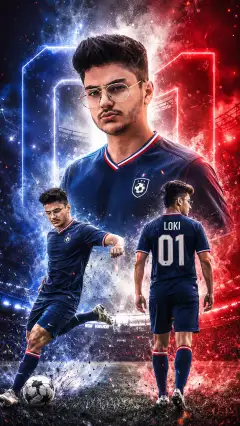
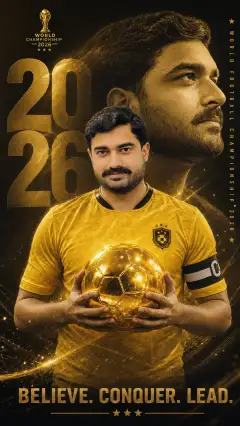
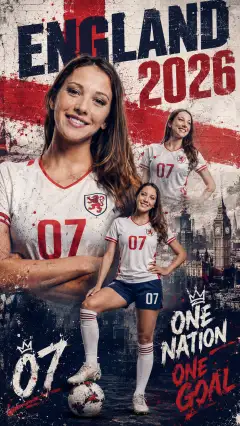
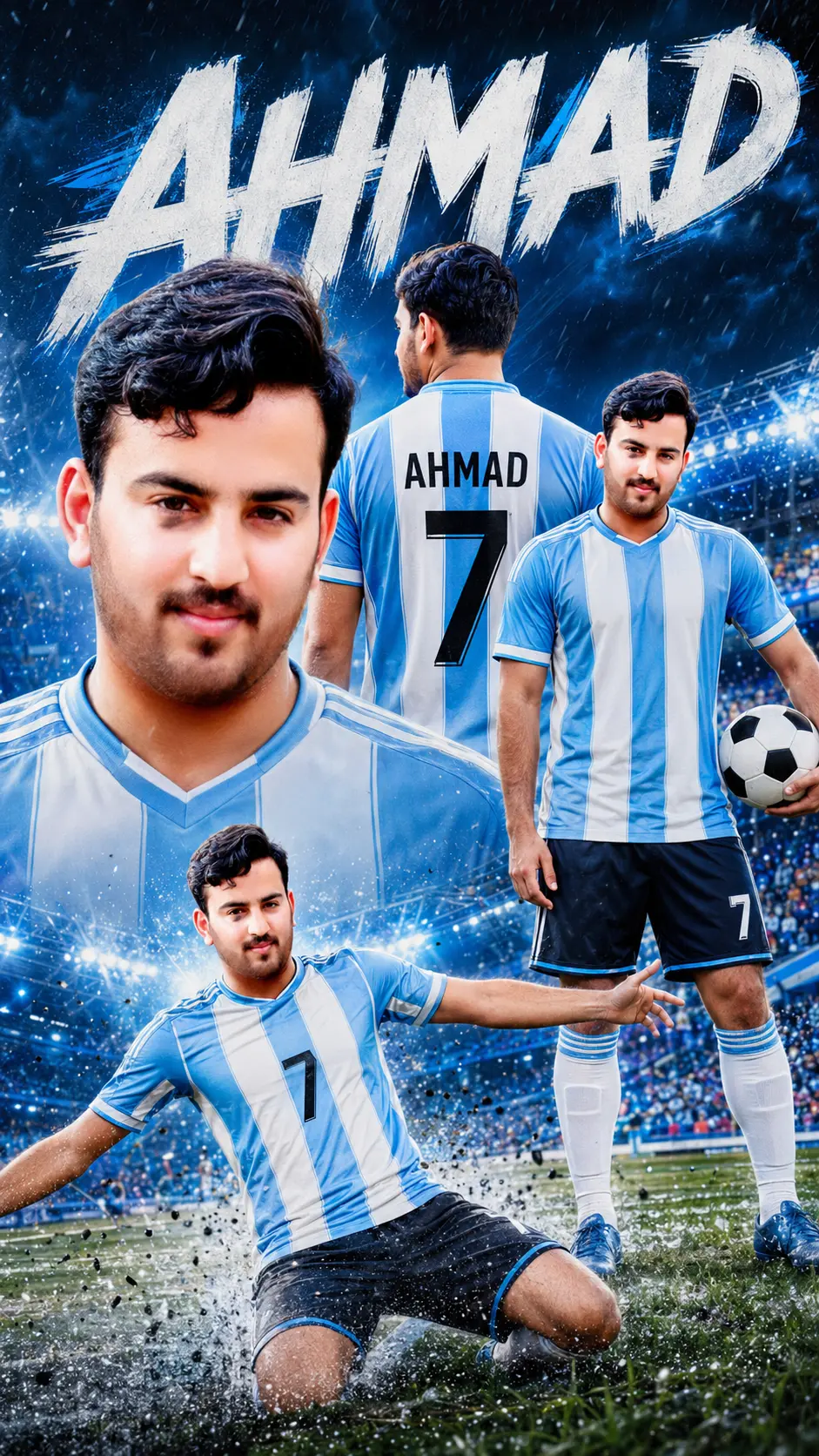
This prompt creates a dramatic vertical football superstar poster from an uploaded portrait. It presents the same player in four coordinated views: a large facial close-up, a rear jersey view, a confident full-body pose with a football, and an energetic action or goal-celebration scene. A glowing stadium, blue lighting, crowd atmosphere, ground-level rain or splash effects, and cinematic contrast give the finished composition a premium sports-campaign look.
The 9:16 format is particularly effective for mobile wallpapers, social media stories, reels covers, player announcements, and digital fan posters. The sky blue and white striped kit suggests a national-team aesthetic without relying on official logos. Because facial consistency is central to the design, this works best as an AI photo editing prompt used with a clear reference portrait.
It can be adapted as a ChatGPT image prompt, Gemini image prompt, or general AI image prompt, depending on whether the selected tool supports reference-image generation and portrait preservation.
Best Use Cases
This football poster prompt is suited to players, supporters, amateur clubs, sports designers, social media managers, and parents creating memorable artwork for a young athlete. It is useful for birthday graphics, match-day posts, tournament promotions, personal branding, team tryout announcements, player-of-the-match features, and fictional football superstar concepts.
The multi-pose layout is especially valuable when one source photo needs to feel like a complete sports campaign. Rather than producing a basic stadium portrait, it combines identity, jersey personalization, confident body language, and match energy in one composition.
It also works well as a Gemini photo prompt for personalized fan art or as a football superstar poster prompt for vertical promotional graphics. For public or commercial use, confirm that you have permission to use the person’s portrait, name, and any team-related design elements.
How to Customize This Prompt
Replace the bracketed details before generating. Clear, short text usually gives the model the best chance of rendering the name and number correctly.
- Change [PLAYER NAME] to the player’s surname, nickname, or preferred display name. Use the same spelling for the top title and jersey back.
- Replace [JERSEY NUMBER] with a one- or two-digit squad number.
- Adjust the blue shades to match the intended mood, such as pale sky blue for a classic look or electric blue for a modern poster.
- Specify whether the full-body pose should hold the ball, rest one foot on it, or stand beside it.
- Define the bottom action moment as a knee-slide celebration, sprint, shot, dribble, or raised-arm victory pose.
- Add a preferred rain intensity, crowd visibility, or stadium brightness while retaining the blue-and-white visual direction.
When using this as a Gemini image prompt or ChatGPT image prompt, upload a sharp, well-lit portrait with the face unobstructed. If the platform allows multiple references, additional front and side views may help with consistency. Avoid requesting official badges; describe a clean, fictional crest or leave the jersey unbranded.
Tips for Better Results
Strong source material makes the greatest difference. A high-resolution portrait with natural lighting and visible facial features gives the model more reliable identity information than a distant, blurred, or heavily filtered photo.
- Generate the poster without extra changes first, then refine one issue at a time.
- Check that all four versions share the same facial structure, hairstyle, skin tone, and general age.
- Ask for clear separation between the close-up, back view, full-body pose, and lower action scene if the collage looks crowded.
- Keep the top lettering bold and relatively short. AI-generated typography may contain misspellings, so verify the player name and jersey number carefully.
- If hands, feet, or the football look distorted, request a revision focused specifically on realistic anatomy and ball shape.
- Preserve the 9:16 ratio during revisions so the title, player poses, and action scene are not cropped.
- Reduce rain, lens flare, or blue glow if those effects obscure the face or jersey details.
For tools that struggle with several versions of one person, create the overall composition first and then use localized edits to repair individual faces. Treat this as both an AI sports image brief and an AI photo editing prompt: composition may succeed before small portrait or text details do.
What to Expect
The expected result is a sharp, realistic stadium portrait collage with a heroic football superstar vibe. The large close-up should create emotional impact, while the rear jersey view communicates the customized name and number. The standing pose adds confidence, and the lower action scene supplies movement and match-day excitement.
Results will vary by model. Some generators handle cinematic lighting and stadium atmosphere well but may need revisions for repeated facial identity, readable lettering, jersey stripes, hands, or exact pose placement. Models with reference-image and inpainting features are generally better suited to this detailed layout.
A successful final image should feel cohesive rather than like four unrelated pictures. Look for consistent kit colors, balanced blue lighting, realistic rain effects, clear visual hierarchy, and enough contrast to keep every player view readable on a phone screen.