Prompt Detail
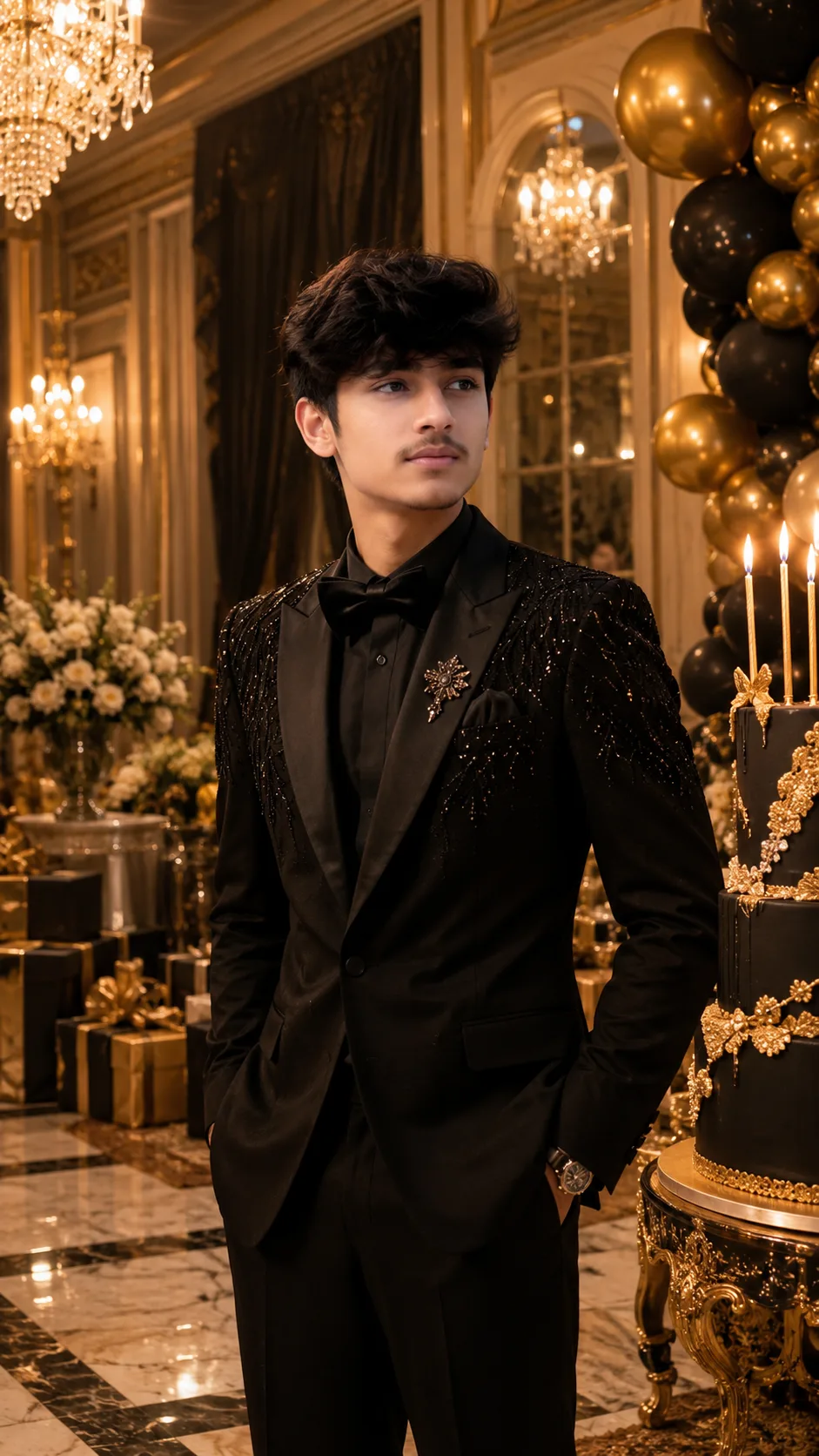
Royal Birthday Gala
Copy Prompt
Copy the full prompt text to use it anywhere you like.
Copy was blocked by your browser. Select the prompt text below and copy it manually.
Choose image aspect ratio
Selected:Original keeps the saved wording. Choosing a ratio edits the copied text; also set the output size in your image tool.
Copy was blocked by your browser. Select the prompt text below and copy it manually.
Prompt guide
How to use this AI image prompt
Overview
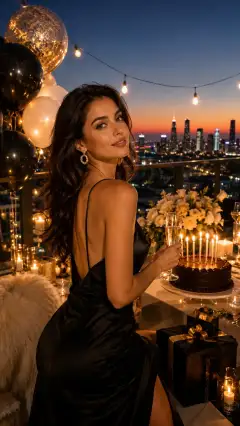
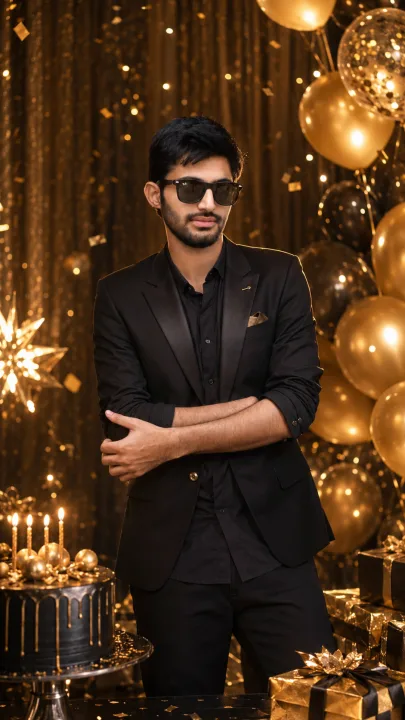
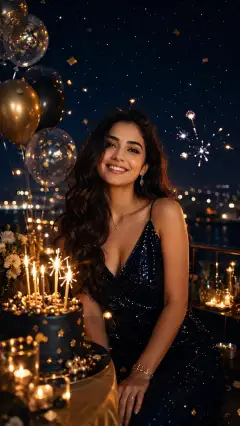
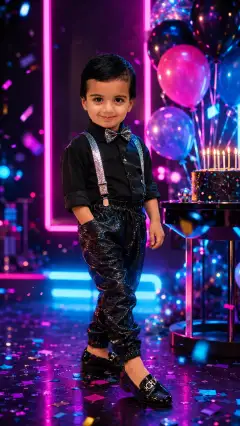
Royal Birthday Gala is a portrait-focused AI image prompt for turning a personal photo into an elegant palace birthday scene. It keeps the person at the center of the composition while surrounding them with chandeliers, luxurious curtains, floral arrangements, golden balloons, marble floors, ornate gifts, and a candlelit birthday cake. The vertical 9:16 format is especially suitable for social media stories, mobile invitations, posters, and full-screen digital displays.
The prompt prioritizes identity preservation, asking the image model to retain the subject’s facial structure, skin tone, hairstyle, age, and natural proportions. This makes it useful as an AI photo editing prompt rather than a generic character-generation request. Cinematic golden lighting, realistic reflections, atmospheric depth, and couture styling create a polished editorial look without pushing the result into exaggerated fantasy.
You can use this as a ChatGPT image prompt, Gemini image prompt, or with another image model that supports an attached reference photo. Results will vary by platform, but the detailed art direction gives compatible tools a clear visual hierarchy and style target.
Best Use Cases
This prompt is ideal for adults, families, photographers, designers, and event planners who want a glamorous birthday portrait without arranging a physical palace-style production. It can create a memorable personal image for milestone birthdays, luxury party announcements, digital greeting cards, social posts, or keepsake prints.
It is also useful for invitation designers who need a refined central portrait with open visual structure around the subject. The palace environment and golden decorations suit elegant birthday themes, while the absence of required text lets designers add accurate event details later in a layout application.
As a Gemini photo prompt, it works best when the uploaded photo has a clear view of one person. It may also help portrait photographers visualize wardrobe, lighting, and set-design ideas before a real celebration shoot.
How to Customize This Prompt
The original direction is intentionally versatile. Adjust a few details to make the gala feel personal while preserving its royal, cinematic identity.
- Specify outfit color and style, such as a black embroidered tuxedo, champagne evening gown, velvet formal suit, or modest couture dress.
- Add an age-appropriate birthday detail through numbered balloons or cake decorations, but request blank decorative elements if the model struggles with readable numbers.
- Choose a floral palette such as ivory roses, burgundy flowers, blush arrangements, or white orchids.
- Refine the palace mood with Baroque, neoclassical, modern royal, or European ballroom influences.
- Describe the pose, including standing beside the cake, seated in an ornate chair, or gently holding a wrapped gift.
- Change the lighting toward warm candlelight, dramatic evening illumination, or soft golden-hour elegance.
- Request more negative space above or beside the subject if the final image will become an invitation or story graphic.
When adapting this AI image prompt, avoid adding too many competing decorations. The person should remain the visual focus. If using it as an AI photo editing prompt, attach the clearest available portrait and state which personal traits must remain unchanged.
Tips for Better Results
A strong reference photo has a major effect on facial accuracy. Use a sharp, well-lit image with natural skin color, minimal filters, and an unobstructed face. A three-quarter or full-body photo can provide more useful information for realistic posing and proportions than a tightly cropped selfie.
- Match the source photo’s viewing angle to the requested composition whenever possible.
- Ask for realistic skin texture rather than perfectly smooth or plastic-looking skin.
- Keep one person in the scene to reduce identity mixing, duplicate figures, and anatomy errors.
- Generate several variations, then select the version with the strongest face, hands, and body proportions.
- Inspect fingers, candle placement, jewelry, fabric edges, reflections, and repeated decorations before publishing.
- Add names, dates, and birthday messages afterward with a design tool because image models may produce unreliable text.
- If the face changes too much, simplify the scene, reduce stylization, and repeat the identity-preservation instructions.
For a ChatGPT image prompt or Gemini image prompt workflow, make one adjustment at a time during revisions. For example, correct facial similarity before changing the outfit or background. This makes it easier to identify which instruction improved or weakened the result.
What to Expect
A successful result should look like a high-end birthday editorial photographed inside a grand ceremonial hall. Expect warm gold illumination, layered palace décor, formal fashion, and a balanced vertical composition with the recognizable subject clearly separated from the background. The cake, balloons, flowers, gifts, curtains, and chandeliers should support the celebration rather than overwhelm it.
Different models interpret facial identity, hands, reflections, embroidery, and architectural detail with varying accuracy. A Gemini photo prompt may produce a different degree of realism or resemblance than another platform using the same wording. Multiple generations and small refinements are often necessary, especially for full-body scenes. The strongest final image will preserve natural features while delivering the cinematic, elegant, glamorous, and luxurious atmosphere of a royal birthday gala.