


























Prompt Detail
Luxury Rooftop Birthday - Ai Photo Gemini Prompt
Copy Prompt
Copy the full prompt text to use it anywhere you like.
Copy was blocked by your browser. Select the prompt text below and copy it manually.
Choose image aspect ratio
Selected:Original keeps the saved wording. Choosing a ratio edits the copied text; also set the output size in your image tool.
Copy was blocked by your browser. Select the prompt text below and copy it manually.
Prompt guide
How to use this AI image prompt
Overview
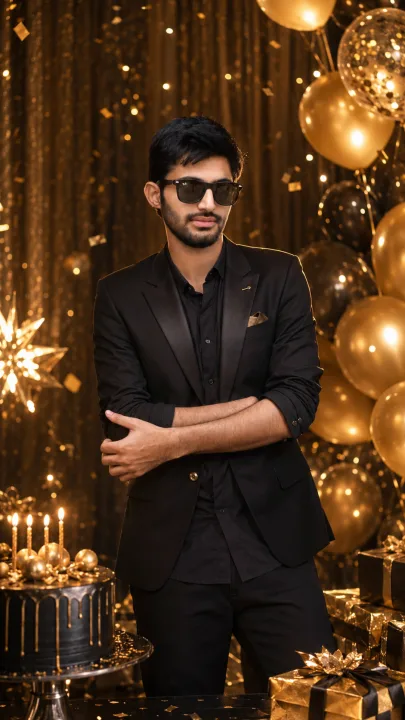
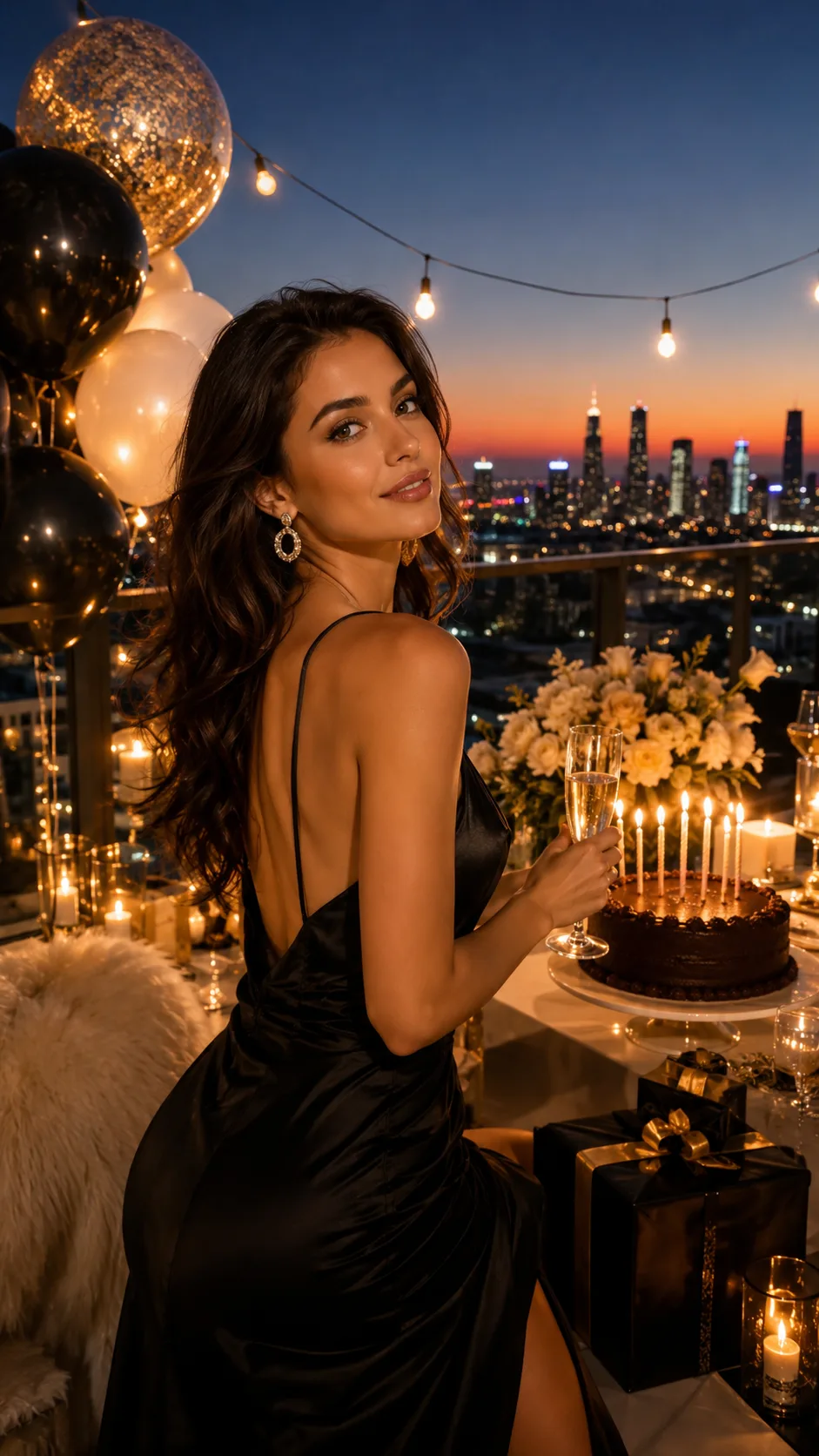
The Luxury Rooftop Birthday prompt is designed to turn a person’s attached photo into an elegant vertical birthday portrait set above a glowing city. It prioritizes accurate identity preservation, including the subject’s face, skin tone, hairstyle, age, and natural proportions. The result should feel like a premium editorial photograph rather than a generic party image.
The scene combines glamorous birthday details with cinematic sunset or blue-hour lighting. Balloons, flowers, warm string lights, gift boxes, a styled dining area, and a candlelit luxury cake create a complete celebration without distracting from the person. A 9:16 composition makes the portrait especially suitable for Instagram Stories, Reels covers, mobile wallpapers, and digital birthday invitations.
This can be used as a Gemini photo prompt when editing a reference portrait or adapted as a ChatGPT image prompt in tools that support image-based generation. It is also a practical AI photo editing prompt for users who want an upscale setting without arranging a real rooftop photoshoot.
Best Use Cases
This prompt is ideal for creating a glamorous birthday portrait for a woman or girl while keeping her recognizable. It works well for milestone celebrations, social media posts, digital invitations, birthday announcements, and personalized keepsakes. The refined styling also suits anyone seeking a polished celebrity-event or luxury lifestyle aesthetic.
Content creators can use the concept for cinematic birthday campaigns, while photographers and designers may use it to explore lighting, décor, or wardrobe ideas before a real shoot. It is particularly useful when the original photo has a clear subject but lacks a memorable celebration background.
Because the requested framing is vertical, the prompt is best suited to single-person portraits. It is less appropriate for large group scenes, casual daytime parties, or wide landscape banners unless the composition instructions are changed.
How to Customize This Prompt
Adjust a few focused details rather than rewriting the entire AI image prompt. Clear choices help the model maintain a coherent visual style.
- Choose sunset for warm gold, peach, and amber tones, or blue hour for deeper blues and brighter city lights.
- Specify an outfit such as a satin evening gown, elegant cocktail dress, tailored suit, or refined formalwear. Keep the choice consistent with an upscale rooftop celebration.
- Select a décor palette, such as champagne gold and ivory, blush pink and white, or black and gold.
- Change the floral decorations to roses, orchids, or another elegant arrangement that complements the balloons and table styling.
- Describe the skyline generally as modern, metropolitan, or high-rise rather than requesting readable building signs.
- Adjust the cake’s color, shape, or decorative style while retaining glowing candles as a natural focal point.
- For a more intimate mood, request fewer decorations and softer lighting. For a grand celebration, emphasize abundant balloons, premium gifts, and a more elaborate dining setup.
When using this as a Gemini image prompt, attach a clear photo and keep identity-preservation instructions prominent. A front-facing or slightly angled portrait usually provides stronger facial guidance than a distant, heavily filtered, or partially covered face.
Tips for Better Results
The quality of the source portrait strongly affects the final image. Use a sharp, well-lit photo in which the subject’s face, hair, and body proportions are visible. Avoid screenshots with compression, beauty filters that obscure skin texture, or images where hands cover important facial features.
- Match the source photo’s camera angle to the desired composition whenever possible.
- Ask for realistic skin texture and sharp eyes, but avoid excessive sharpening that can make the portrait look artificial.
- Keep the subject as the main focal point and use city lights, candles, and string lights as supporting illumination.
- Retain the negative instructions covering distorted hands, extra fingers, duplicate limbs, excessive blur, cartoon styling, logos, and watermarks.
- Generate several versions, then refine one issue at a time, such as facial accuracy, hand anatomy, cake placement, or skyline realism.
- If the scene feels crowded, reduce the number of gift boxes, balloons, or floral elements instead of removing the atmospheric lighting.
For a Gemini photo prompt or another AI photo editing prompt, identity accuracy may improve when the request clearly separates details that must remain unchanged from details that can be creatively redesigned. Different tools interpret reference photos and lighting instructions differently, so small wording adjustments or another generation may be necessary.
What to Expect
A successful result should show one recognizable person in refined eveningwear, framed vertically against a luminous city skyline. Warm sunset light or cool blue-hour ambience should blend with candles, string lights, realistic reflections, subtle bokeh, atmospheric depth, and gentle rim lighting. The birthday cake and decorations should communicate celebration while the face remains the visual priority.
Expect an elegant, cinematic finish with balanced composition and realistic photographic detail. Complex elements such as hands, candle flames, balloon reflections, and distant architecture may vary between models. No Gemini image prompt, ChatGPT image prompt, or other creative instruction can guarantee identical output across every generator. Review facial resemblance, anatomy, and background consistency before using the image publicly, and regenerate or refine any areas that appear artificial.