Prompt Detail
Cinematic Purple Smoke Fashion Portrait Photography
Copy Prompt
Copy the full prompt text to use it anywhere you like.
Copy was blocked by your browser. Select the prompt text below and copy it manually.
Choose image aspect ratio
Selected:Original keeps the saved wording. Choosing a ratio edits the copied text; also set the output size in your image tool.
Copy was blocked by your browser. Select the prompt text below and copy it manually.
Prompt guide
How to use this AI image prompt
Overview
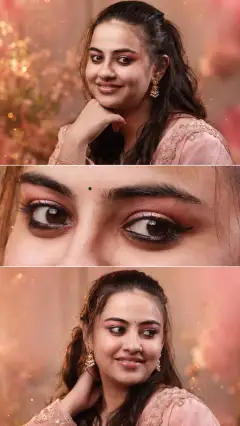
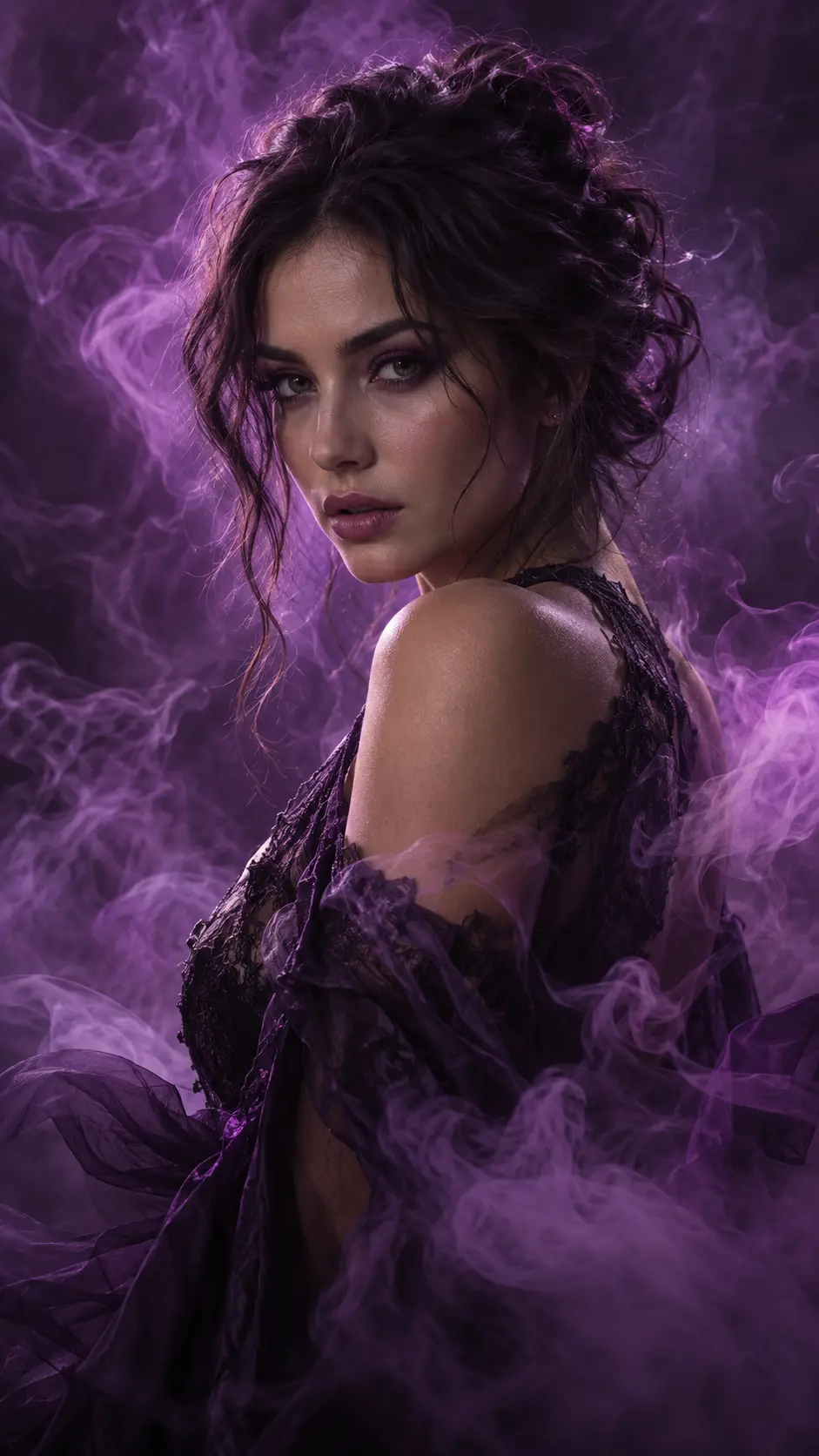
Purple Smoke Art work is a cinematic portrait concept designed to transform an adult reference subject into a dramatic fine-art fashion image while preserving their recognizable appearance. The composition places the subject in a confident three-quarter pose, surrounded by layered violet, lavender, plum, and magenta smoke. Low-key studio lighting, rich blacks, and luminous purple rim light create a luxurious, mysterious atmosphere without hiding the face.
This AI image prompt prioritizes identity consistency, realistic skin, natural anatomy, and editorial styling. It directs the model to retain important facial characteristics, hairstyle, skin tone, age range, and gender presentation while changing only creative elements such as pose, clothing, lighting, and atmosphere. It can work as a ChatGPT image prompt, Gemini image prompt, or Gemini photo prompt when a supported image reference is uploaded.
The requested 9:16 format is especially effective for mobile displays, social posts, profile artwork, and vertical poster designs. Its combination of portrait photography and ethereal smoke effects gives the result a polished look that feels artistic rather than costume-like.
Best Use Cases
This prompt is ideal for adults who want a recognizable portrait with a more cinematic, editorial presentation. Photographers and retouchers can use it to explore purple studio concepts before arranging lighting, wardrobe, smoke effects, or a physical set. Fashion creators may also use it for mood boards, portfolio concepts, beauty campaigns, and dark luxury styling references.
It is particularly useful for social media portraits, music artwork, creative profile images, personal branding, and fantasy-inspired editorial photography. As an AI photo editing prompt, it helps restyle an existing portrait while clearly directing the model not to substitute a generic face. It also suits users searching for a purple smoke portrait prompt, gothic fashion portrait idea, or cinematic female portrait prompt, while remaining adaptable to any adult subject’s gender presentation.
How to Customize This Prompt
Start with a clear reference photo in which the face is visible, well lit, and not heavily filtered. Customization works best when changes support the central purple-smoke concept rather than introducing competing scenery or colors.
- Adjust the outfit by choosing black lace, deep-plum velvet, sheer layered fabric, or another refined dark material. Keep the styling sophisticated and editorial.
- Refine the expression with terms such as serene, powerful, mysterious, or quietly confident. Avoid requesting an expression that dramatically changes recognizable facial proportions.
- Change the crop to chest-up for stronger facial emphasis or waist-up for more clothing and smoke interaction.
- Specify smoke behavior, such as delicate wisps, dense rolling clouds, symmetrical curls, or a stronger foreground layer. Always keep the eyes and face unobstructed.
- Modify the lighting balance by requesting a softer violet halo, deeper shadows, or a brighter rim light around the hair and shoulders.
- Keep 9:16 for stories and posters, or change to 4:5 for portrait-oriented social feeds.
When adapting this as a Gemini photo prompt or another model-specific creative prompt, retain the identity-preservation instructions and simplify optional styling details if the first result looks visually crowded.
Tips for Better Results
Reference quality has a major effect on facial resemblance. Use a sharp photo with natural skin detail, minimal motion blur, and enough resolution to show the eyes, eyebrows, nose, lips, jawline, and hair texture accurately.
- Generate a small set of variations and compare facial structure before selecting the most dramatic smoke pattern.
- If the skin becomes too purple, reinforce natural skin tone, neutral facial lighting, and controlled color spill.
- If smoke covers the face, request clear negative space around the eyes, nose, and mouth while moving dense clouds behind the shoulders.
- If hands appear, inspect finger count, joints, and arm placement. A chest-up crop can reduce anatomy problems when hands are not essential.
- Avoid excessive beautification. Realistic pores, subtle asymmetry, fine hair strands, and restrained retouching usually improve credibility.
- Ask for crisp eye focus and progressively softer foreground and background smoke to create convincing depth.
- Keep saturation controlled so violet highlights remain luminous without losing fabric, hair, or shadow detail.
For a ChatGPT image prompt or Gemini image prompt workflow, make one change at a time during revisions. This makes it easier to identify whether pose, wardrobe, smoke density, or lighting caused an unwanted result.
What to Expect
A successful result should resemble premium studio fashion photography with a mystical, slightly gothic mood. The subject will appear prominently against a dark haze-filled background, with realistic facial detail, clear eye contact, rich black clothing, and purple light tracing the hair and silhouette. Layered smoke should provide depth through translucent foreground wisps and denser background clouds.
Results will vary by model, reference quality, and image-editing capabilities. Some systems may interpret smoke as fabric, overapply purple color to the skin, or soften facial identity during major pose changes. Iterative refinement is therefore more reliable than expecting the same output from every platform. With a strong source photo and focused revisions, this AI image prompt can produce polished vertical portrait artwork suitable for creative portfolios, social media, and editorial concepts.