















































Prompt Detail
Cinematic Winter Portrait Photography
Copy Prompt
Copy the full prompt text to use it anywhere you like.
Copy was blocked by your browser. Select the prompt text below and copy it manually.
Choose image aspect ratio
Selected:Original keeps the saved wording. Choosing a ratio edits the copied text; also set the output size in your image tool.
Copy was blocked by your browser. Select the prompt text below and copy it manually.
Prompt guide
How to use this AI image prompt
Overview
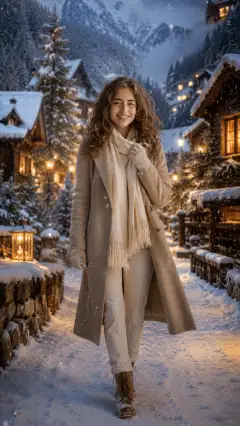
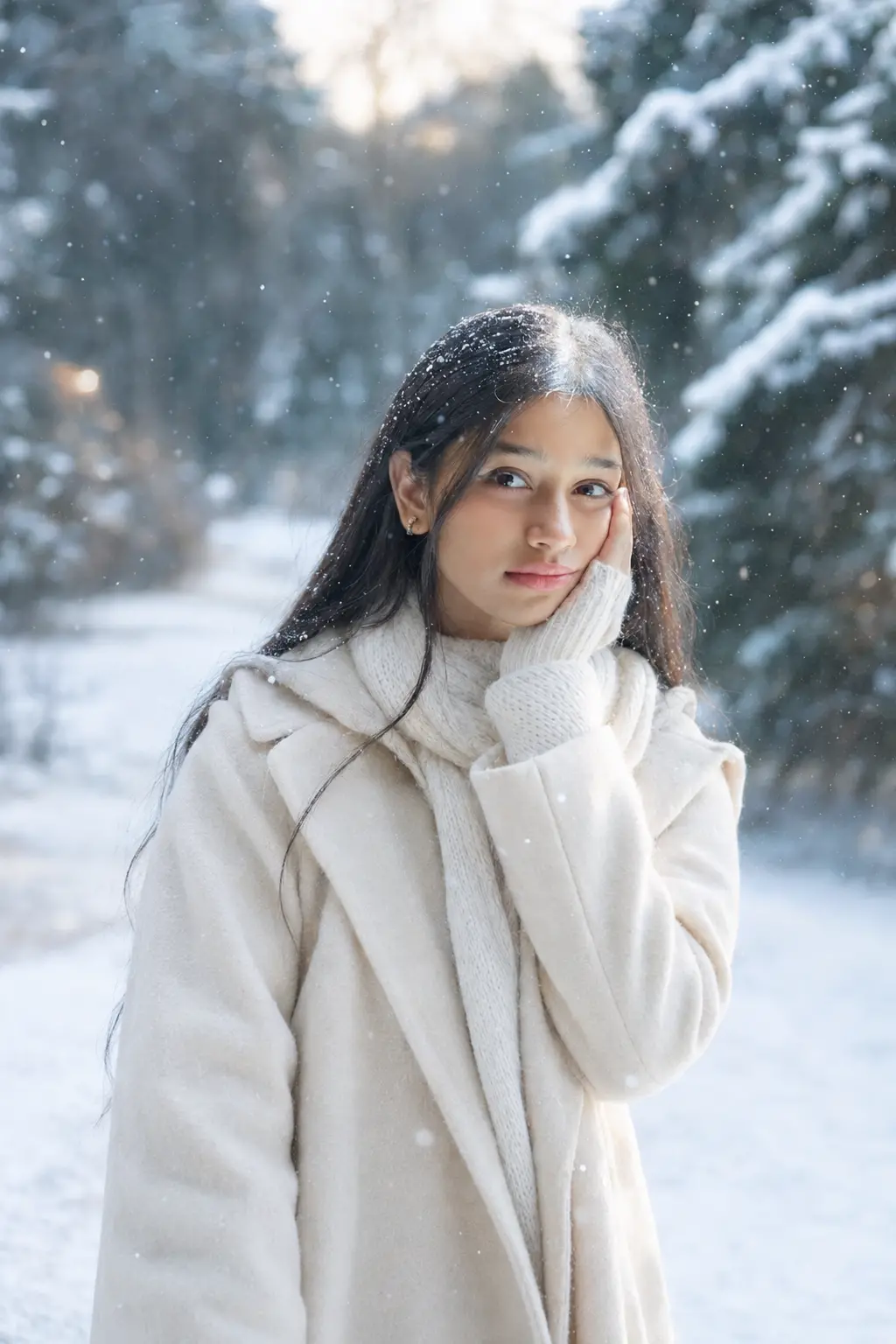
Cinematic Winter Portrait Photography is an identity-preserving AI image prompt for turning an uploaded portrait into an elegant, ultra-realistic winter photograph. It places the person in a peaceful snow-covered environment while retaining recognizable facial structure, features, skin tone, hairstyle, and age. The intended result combines realistic portrait photography with a magical seasonal atmosphere rather than changing the subject into a different person.
This ChatGPT image prompt can also be adapted as a Gemini image prompt or Gemini photo prompt for tools that support reference-image generation. It gives the model clear direction on wardrobe, pose, lighting, snowfall, anatomy, and composition. The requested 2:3 aspect ratio is especially suitable for full-length portraits, editorial photography, profile pictures, posters, and social media posts.
The visual style emphasizes soft winter light, shallow depth of field, sharp facial focus, realistic skin and hair, natural snow interaction, and premium editorial quality. Its detailed restrictions also help reduce common issues such as distorted hands, artificial snow, cluttered scenery, or unwanted identity changes.
Best Use Cases
This AI image prompt is well suited to users who want a polished winter photoshoot without losing the identity shown in their uploaded reference. It works for elegant personal portraits, seasonal profile photos, holiday-themed posts, winter fashion concepts, cinematic character photography, and creative social media content.
It is particularly useful for creating scenes in snowy forests, mountain villages, winter parks, frozen lakesides, pine landscapes, cozy streets, or countryside settings. The flexible pose options make it appropriate for calm close portraits, walking shots, seated park compositions, and natural moments such as catching falling snow.
Photographers, content creators, designers, and everyday users can also use it as an AI photo editing prompt to explore winter styling before planning a real shoot. The combination of premium coats, knitwear, scarves, gloves, and seasonal colors provides a strong foundation for feminine, elegant, or cozy winter portrait ideas.
How to Customize This Prompt
The core instructions are detailed, but selecting a few specific options will usually produce a more intentional composition. Avoid requesting every location, mood, outfit, and lighting style at once.
- Choose one setting, such as a snow-covered forest, mountain village, frozen lakeside, or softly lit street.
- Define the framing: close-up headshot, waist-up portrait, three-quarter composition, or full-body editorial shot.
- Select one emotional direction, such as peaceful, dreamy, thoughtful, happy, or elegant.
- Specify a natural action, such as holding a scarf, walking along a snowy path, looking into the distance, or extending a hand toward snowflakes.
- Refine the wardrobe with a clear combination, such as a camel wool coat with a cream scarf or a navy puffer jacket with grey knitwear.
- Pick a lighting mood: soft overcast daylight, subtle golden-hour glow, cool misty light, or warm village lights in the background.
- Adjust the amount of snowfall. Light flakes are ideal for a clean facial portrait, while heavier snowfall can create a more dramatic cinematic winter portrait.
For a more refined Gemini photo prompt, describe where the subject stands in the frame and how much of the environment should remain visible. This helps balance identity detail with scenic depth.
Tips for Better Results
Reference quality strongly affects identity preservation. Use a clear photo in which the face is visible, naturally lit, and not covered by filters, hair, sunglasses, or deep shadows. A front-facing or gently angled portrait usually gives the model more reliable facial information.
- Request sharp focus on the eyes and face while keeping the snowy background softly blurred.
- Keep snow accumulation subtle on the hair and clothing so it looks believable rather than decorative.
- Use visible breath only when it fits the pose and does not obscure facial details.
- Ask for natural footprints and believable ground contact in walking or full-body scenes.
- Favor simple backgrounds with layered depth instead of crowded trees, lights, buildings, and props.
- If hands are important, choose an uncomplicated gesture and restate the need for natural fingers.
- Generate several variations, then refine the strongest result by correcting only specific issues such as hands, facial sharpness, clothing texture, or snow placement.
When using this as an AI photo editing prompt, avoid excessive beautification instructions because they can conflict with the requirement to preserve age, skin texture, and recognizable identity. Different models interpret reference strength and negative instructions differently, so concise follow-up edits may outperform repeatedly changing the entire prompt.
What to Expect
A successful result should resemble a premium winter editorial portrait with a recognizable subject, realistic proportions, detailed cold-weather clothing, soft falling snow, and cinematic environmental depth. Depending on the chosen setting, the background may feature frosted trees, mist, golden windows, fairy lights, frozen branches, or a quiet snowy path.
Expect some variation between image models in facial fidelity, snowfall, fabric texture, and hand accuracy. No ChatGPT image prompt or Gemini image prompt can guarantee identical output across every generation. Strong reference photos, one clearly defined scene, and focused revision requests provide the best chance of achieving a realistic, elegant winter portrait with natural emotional warmth.