


























Prompt Detail
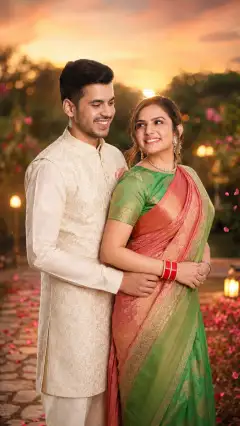
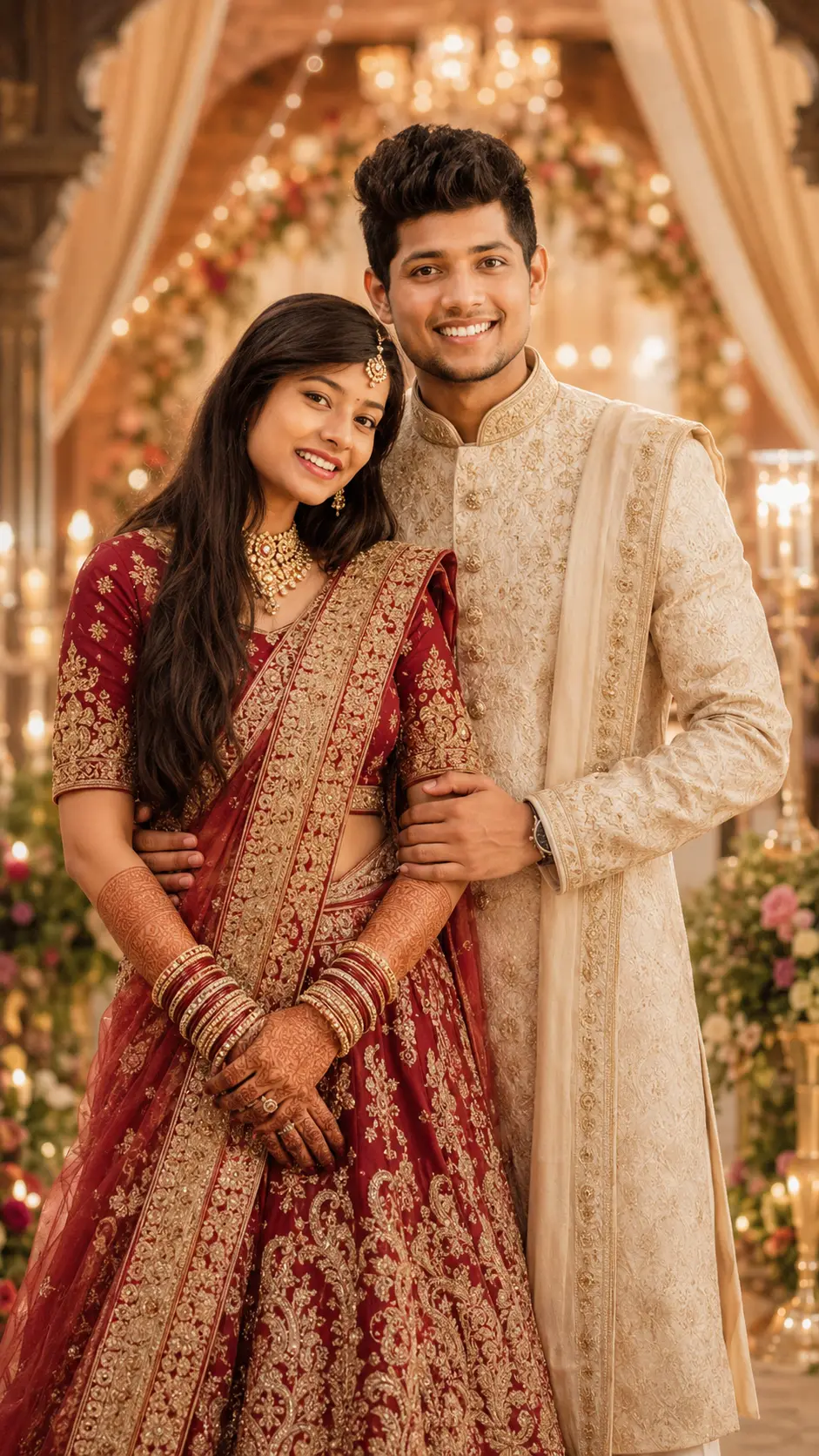
Elegant Indian Wedding Couple in Traditional Attire with Warm Cinematic Lighting
Copy Prompt
Copy the full prompt text to use it anywhere you like.
Copy was blocked by your browser. Select the prompt text below and copy it manually.
Choose image aspect ratio
Selected:Original keeps the saved wording. Choosing a ratio edits the copied text; also set the output size in your image tool.
Copy was blocked by your browser. Select the prompt text below and copy it manually.
Prompt guide
How to use this AI image prompt
Overview
This elegant Indian wedding couple prompt is designed to transform uploaded couple photos into a vertical, ultra-realistic wedding portrait with traditional attire and warm cinematic lighting. It prioritizes recognizable facial identity, realistic skin texture, natural anatomy, emotional connection, and premium wedding photography details.
The scene can feature a palace-style venue, decorated garden aisle, floral stage, grand wedding hall, or luxury reception setting. Warm golden light, chandeliers, candles, floral décor, dreamy bokeh, and a softly blurred background help create a royal atmosphere while keeping attention on the couple.
This is a practical AI image prompt for users who want an album-worthy wedding visual without losing the subjects’ defining features. It can be used as a ChatGPT image prompt, Gemini image prompt, or Gemini photo prompt when the selected model supports uploaded reference images and portrait generation. It also works as an AI photo editing prompt for reimagining an existing couple photo in a more elaborate wedding setting.
Best Use Cases
This prompt is ideal for engaged couples, newlyweds, wedding photographers, social media creators, designers, and family members preparing celebratory artwork. It is especially useful when the source photo has recognizable faces but lacks formal clothing, romantic posing, cinematic light, or an impressive venue.
The 9:16 composition suits Instagram Stories, Reels covers, Pinterest-style posts, mobile invitations, digital wedding posters, and vertical album layouts. It can also create concept images for a traditional Indian pre-wedding shoot or reception portrait.
Use it when you want coordinated bridal and groom styling, such as a detailed lehenga or saree paired with a sherwani, prince coat, or ceremonial suit. The prompt also supports seated royal portraits, aisle-walking scenes, close romantic poses, and elegant full-body compositions.
How to Customize This Prompt
Choose a clear creative direction before generating. Too many competing venue, clothing, and pose options can make the result less consistent. Customize a few important details while retaining the identity-preservation and anatomy instructions.
- Select one venue, such as a palace wedding hall, floral stage, candlelit reception, or luxury garden aisle.
- Specify one pose: holding hands, forehead-to-forehead, walking together, or seated on decorated wedding chairs.
- Choose coordinated attire, such as a red embroidered bridal lehenga with an ivory sherwani or an elegant saree with a dark prince coat.
- Define a harmonious color palette using warm gold, ivory, red, blush, or jewel tones.
- Add suitable accessories, including a dupatta, veil, bridal jewelry, bouquet, brooch, pocket square, or turban.
- State the preferred framing, such as close portrait, three-quarter composition, or full-body wedding editorial.
For a more traditional result, emphasize ceremonial clothing, rich embroidery, floral décor, and royal architecture. For a modern luxury look, request restrained accessories, cleaner stage design, softer colors, and editorial lighting. Keep culturally meaningful styling deliberate rather than combining unrelated elements.
Tips for Better Results
Reference-image quality strongly affects facial consistency. Upload sharp, well-lit photos in which each person’s face is unobstructed. If separate images are used, choose similar camera angles and avoid extreme filters, motion blur, or very small faces.
- Identify each person clearly if the tool accepts multiple uploads, and state which person should be presented as the bride or groom.
- Use one pose per generation to reduce awkward limbs, crossed arms, and unnatural hand placement.
- Ask for both faces to remain sharply focused, particularly in full-body scenes with shallow depth of field.
- Keep background details secondary so chandeliers, flowers, candles, and fairy lights do not overwhelm the subjects.
- Regenerate or edit localized problems such as fingers, jewelry placement, garment edges, or facial expressions instead of changing the entire concept.
- Preserve the negative instructions covering altered identity, extra limbs, blurry faces, cartoon styling, random text, and watermarks.
Different tools interpret reference identity and complex wedding clothing differently. A detailed ChatGPT image prompt may handle instructions differently from a Gemini image prompt, so test concise variations if the first result looks crowded. For a Gemini photo prompt or another AI photo editing prompt, repeat the most important priorities near the end: recognizable faces, natural hands, premium fabric, warm light, and 9:16 framing.
What to Expect
A successful result should resemble a high-end Indian wedding editorial: a recognizable couple, refined traditional outfits, believable romantic body language, detailed fabrics, and warm golden illumination. The couple should remain the visual focus against a softly blurred, luxurious wedding environment.
Expect some variation in facial fidelity, embroidery, hand anatomy, accessories, and décor between models and generations. Complex jewelry, layered clothing, and physical interaction may require several attempts. The strongest output will usually come from clear source photos and a focused combination of one venue, one pose, and one wardrobe concept.
Used carefully, this AI image prompt can produce polished vertical artwork for wedding albums, posters, invitations, and social media while maintaining an emotional, graceful, and cinematic style.