















































Prompt Detail
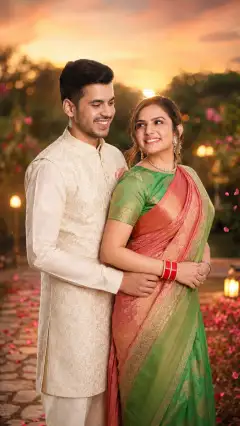
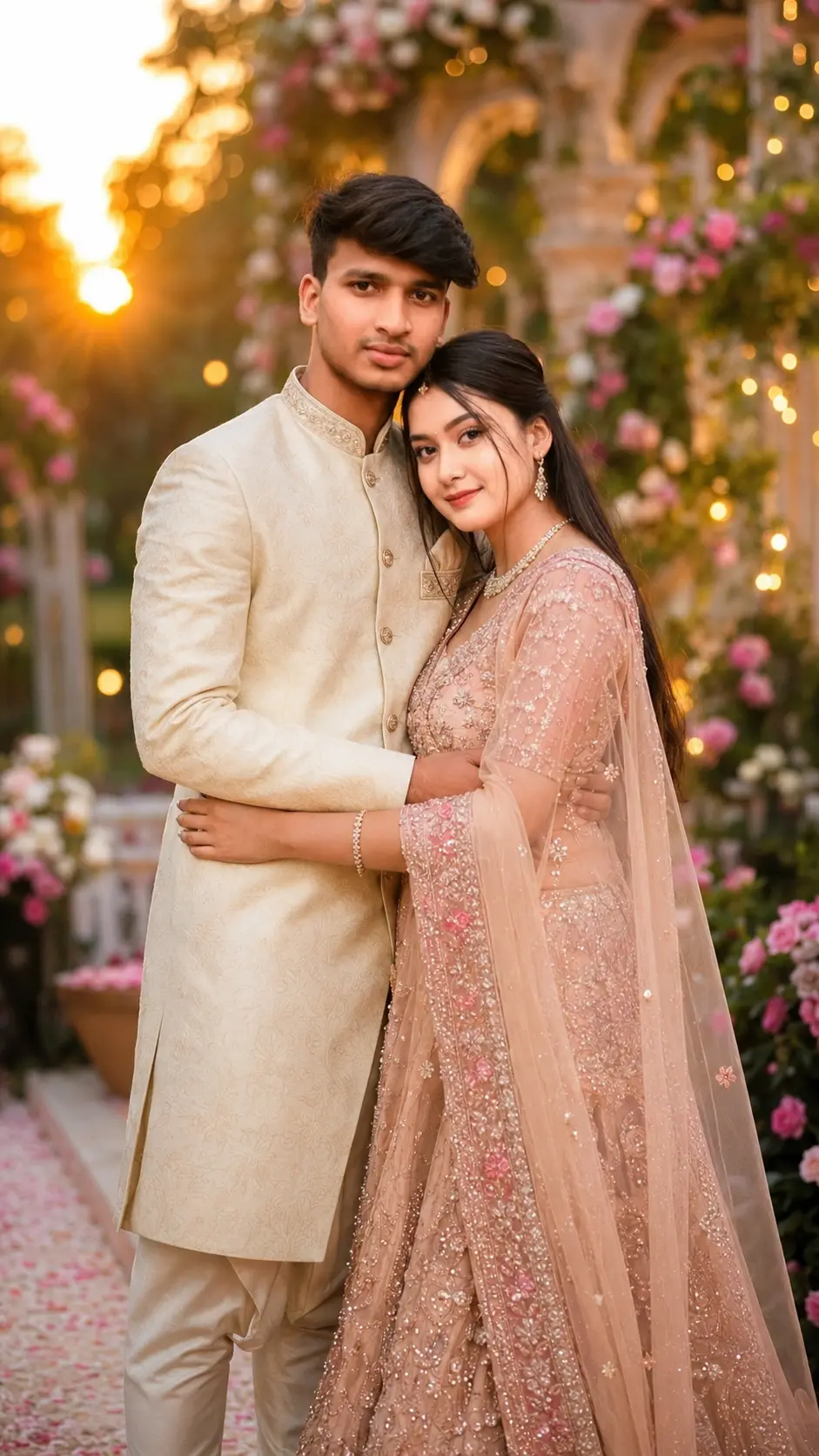
Elegant Romantic Couple Portrait in Traditional Wedding Attire
Copy Prompt
Copy the full prompt text to use it anywhere you like.
Copy was blocked by your browser. Select the prompt text below and copy it manually.
Choose image aspect ratio
Selected:Original keeps the saved wording. Choosing a ratio edits the copied text; also set the output size in your image tool.
Copy was blocked by your browser. Select the prompt text below and copy it manually.
Prompt guide
How to use this AI image prompt
Overview
This prompt is designed to transform uploaded couple photos into an elegant, ultra-realistic wedding or pre-wedding portrait while preserving both people’s recognizable identities. It prioritizes facial structure, skin tone, hairstyle, age, and natural features, helping the result feel personal rather than like a generic bridal advertisement.
The creative direction combines traditional wedding attire, romantic posing, luxury décor, and warm cinematic lighting. Depending on the selected setting, the finished portrait can feel regal and ceremonial or dreamy and editorial. Suitable environments include palace gardens, floral aisles, royal courtyards, lakeside arrangements, chandelier-lit halls, and sunset venues.
This is a useful ChatGPT image prompt or Gemini image prompt for couples who want polished 9:16 artwork from reference photos. It can also serve as a Gemini photo prompt, AI image prompt, or AI photo editing prompt when the chosen tool supports identity references and image generation. Results will vary by model, particularly in facial consistency, hands, clothing details, and how accurately multiple reference images are combined.
Best Use Cases
This prompt is ideal for engaged or married couples who want a premium portrait without limiting the composition to one specific venue or outfit. It works especially well for creating vertical social media posts, digital wedding invitations, framed artwork, album covers, anniversary portraits, and cinematic pre-wedding concepts.
Wedding photographers, editors, designers, and social media creators can use it to explore styling ideas before a real shoot. For example, it can help compare a floral garden scene with a royal indoor hall or test whether a lehenga-and-sherwani combination suits a warm golden-hour palette.
It is also useful when the source photo has recognizable faces but lacks formal clothing, romantic lighting, or an impressive background. The prompt asks the model to retain identity while rebuilding the scene as a coordinated luxury portrait. Use it only with images you have permission to upload and edit, especially when producing public or commercial material.
How to Customize This Prompt
Start by choosing one clear creative direction rather than leaving every option equally open. Focused instructions generally produce a more coherent composition.
- Select a setting, such as an elegant sunset garden, palace courtyard, lakeside stage, floral arch, or chandelier hall.
- Specify the cultural attire. Examples include a red embroidered lehenga with an ivory sherwani, a silk saree with a prince coat, or a bridal gown with a classic tuxedo.
- Define the pose, such as holding hands, standing forehead to forehead, walking together, or sitting on decorated royal chairs.
- Choose a coordinated color palette, including ivory and gold, burgundy and cream, blush and champagne, or emerald and antique gold.
- Clarify whether the mood should be ceremonial, editorial, joyful, intimate, or softly romantic.
- Add meaningful details such as a bouquet, dupatta, turban, jewelry, lanterns, rose petals, or subtle fairy lights.
Keep the requested 9:16 ratio for phone wallpapers, reels, stories, and vertical displays. For framed prints or album spreads, change the ratio only if your image tool supports the intended format.
Tips for Better Results
Reference quality strongly affects identity preservation. Provide clear, well-lit photos in which each face is visible without beauty filters, heavy shadows, sunglasses, or motion blur. Similar camera angles can make it easier for the model to place two people naturally in one scene.
- Upload separate clear references if a single couple photo does not show both faces well.
- Avoid mixing images taken many years apart unless that difference is intentional.
- Request a medium or three-quarter composition when hands or full-body anatomy repeatedly look unnatural.
- Keep accessories tasteful so veils, bouquets, jewelry, and floral décor do not cover important facial features.
- Generate several versions, then refine one issue at a time, such as hand anatomy, facial sharpness, outfit texture, or background balance.
- Check fingers, arm placement, eye direction, body contact, fabric edges, jewelry, and facial symmetry before using the result.
If faces drift, repeat the identity-preservation requirement and simplify the pose. If clothing looks artificial, specify realistic embroidery, fabric folds, tailoring, beadwork, and natural shadows instead of adding more decorative objects.
What to Expect
A strong result should show a recognizable couple in harmonious traditional or formal wedding clothing, posed naturally within a layered romantic environment. Expect warm golden light, soft rim lighting, realistic skin and hair detail, shallow depth of field, floral or illuminated décor, and polished wedding-album color grading.
The vertical composition should place both faces in sharp focus while allowing enough room for the outfits and setting. The overall effect is intended to feel luxurious, emotionally connected, and cinematic rather than cartoonish or excessively beautified.
No model can guarantee perfect identity retention or anatomy in every generation. Complex poses, overlapping hands, ornate jewelry, embroidered fabrics, and two-person facial consistency may require multiple attempts. Careful references, focused customization, and targeted revisions offer the best chance of producing a credible romantic couple portrait suitable for sharing, printing, or further editing.