Prompt Detail
Glass City Runway Concept
Copy Prompt
Copy the full prompt text to use it anywhere you like.
Copy was blocked by your browser. Select the prompt text below and copy it manually.
Choose image aspect ratio
Selected:Original keeps the saved wording. Choosing a ratio edits the copied text; also set the output size in your image tool.
Copy was blocked by your browser. Select the prompt text below and copy it manually.
Prompt guide
How to use this AI image prompt
Overview
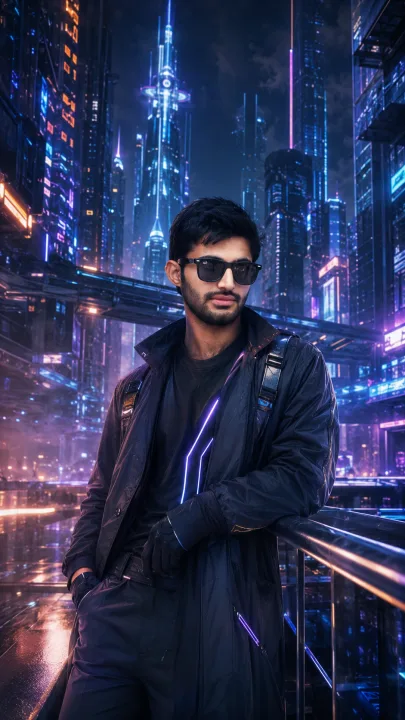
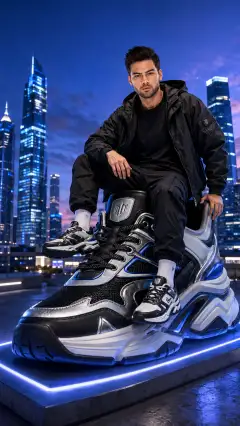
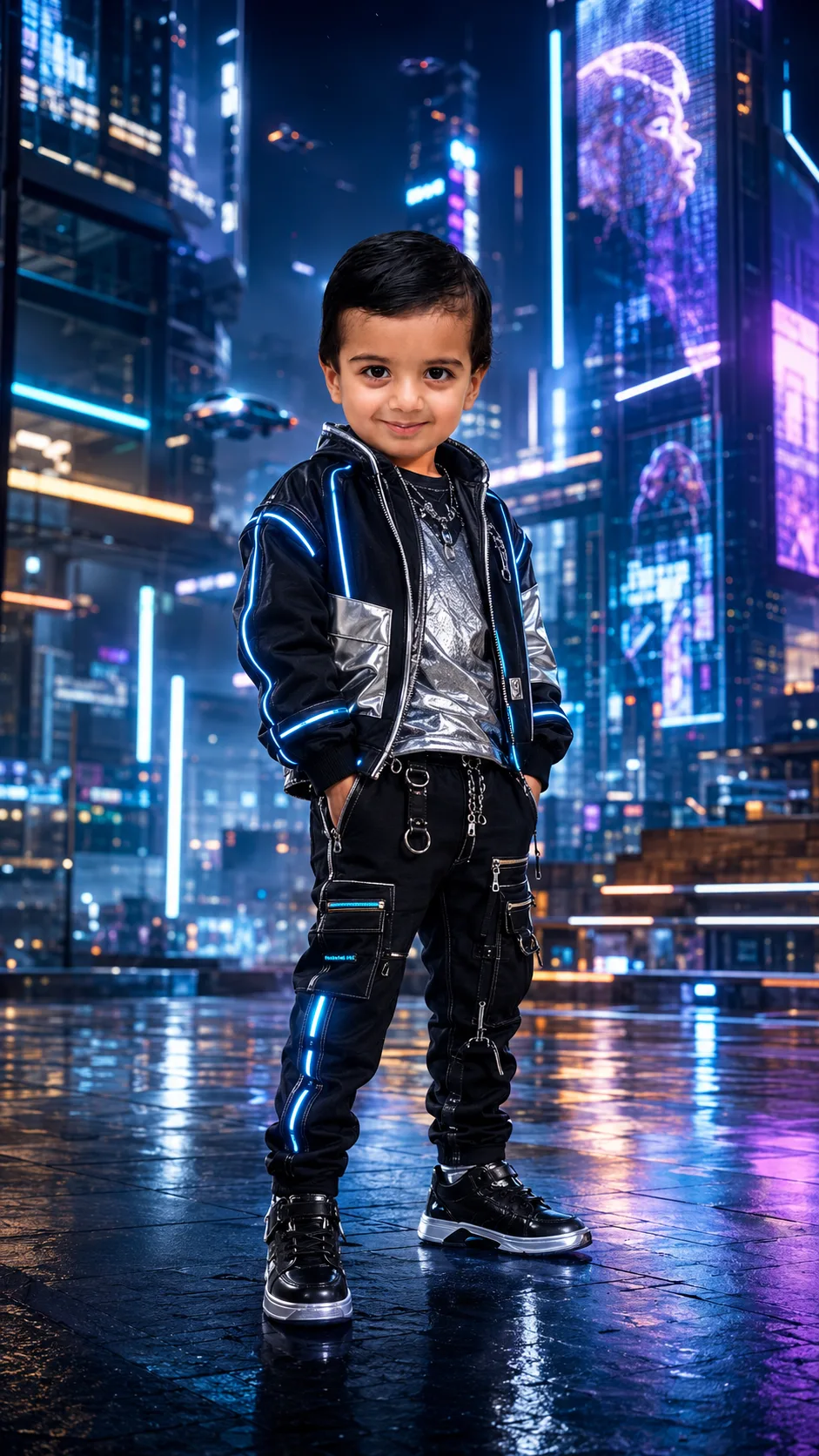
Glass City Runway Concept is designed for turning a supplied portrait into a polished futuristic fashion scene while keeping the person recognizable. It places the subject in a high-tech city filled with glass architecture, neon reflections, holographic displays, atmospheric mist, and subtle airborne traffic. The intended result combines premium studio portraiture with the scale and visual drama of cinematic urban science fiction.
This AI image prompt prioritizes identity preservation. Facial structure, skin tone, hairstyle, age, ethnicity, and natural body proportions should remain consistent with the reference photo. That makes it useful when the goal is to transform the setting and clothing without redesigning the person. The vertical, centered composition is particularly suitable for full-body or three-quarter portraits.
It can be used as a ChatGPT image prompt, Gemini image prompt, or Gemini photo prompt when the selected model supports uploaded reference images. It also works as an AI photo editing prompt for tools that can combine identity guidance with generative scene creation.
Best Use Cases
This concept suits users who want a realistic futuristic portrait rather than a cartoon, illustration, or heavily abstract character design. It is especially effective for social media posts, creative profile portraits, fashion mood boards, youth-friendly sci-fi concepts, digital portfolios, event graphics, or imaginative editorial projects.
Parents or guardians creating portraits of children can use it for an age-appropriate urban-future makeover. The instructions preserve the subject’s age and recognizable features while changing the wardrobe and environment. Choose modest, comfortable-looking streetwear and avoid mature styling when the reference subject is young.
Photographers, designers, stylists, and content creators can also use the concept to test neon fashion treatments without arranging a physical studio, custom wardrobe, or futuristic set. The 9:16 format makes it well suited to Stories, Reels, Shorts covers, and vertical display designs, although platform-specific cropping may still be necessary.
How to Customize This Prompt
Adjust a few details at a time so the model retains the central identity and composition requirements. Useful customization options include:
- Choose a streetwear direction, such as a metallic bomber jacket, layered technical fabrics, illuminated piping, premium sneakers, or a sleek hooded coat.
- Refine the city mood with cleaner glass towers, denser neon streets, brighter holograms, more atmospheric mist, or fewer flying vehicles.
- Set a pose, such as standing squarely toward the camera, taking a confident step, or looking slightly off-camera.
- Select full-body framing for the complete outfit or three-quarter framing for stronger facial detail.
- Shift the lighting balance toward cool cyan, deep purple, electric blue, or a controlled blend of all three.
- Specify an age-appropriate outfit and natural pose when working within the Kids category.
For a more commercial result, request restrained background activity and clean wardrobe lines. For a stronger Urban Future look, emphasize dramatic perspective, layered skyscrapers, glossy pavement, and brighter rim lighting. Avoid adding too many new props, colors, or actions in one revision, because excessive instructions can weaken facial consistency.
Tips for Better Results
Start with a clear, well-lit reference photo. A front-facing or slightly angled image with visible facial features generally gives the model better identity information than a distant, blurry, filtered, or heavily shadowed photo. For full-body output, a reference that shows more of the subject may also help preserve realistic proportions.
- Use the highest available image quality and avoid screenshots with compression artifacts.
- Keep important facial features unobstructed by hands, masks, hair, or strong glare.
- Generate several variations, then refine the version with the most accurate face and anatomy.
- If the face changes, reduce background complexity and restate that wardrobe and setting may change but identity must not.
- If hands appear distorted, choose a simpler pose with relaxed hands visible or naturally placed at the sides.
- If neon light makes the skin look unnatural, request neutral facial lighting with colored reflections limited to clothing edges and the environment.
- Check that holographic signs do not produce unwanted text, logos, or watermark-like marks.
Different tools interpret reference strength, 8K language, and negative instructions differently. In some interfaces, increasing reference or identity strength may improve resemblance but reduce outfit or pose flexibility. Treat this futuristic studio portrait prompt as a strong starting point and make targeted revisions rather than repeatedly rewriting everything.
What to Expect
A successful result should show a recognizable subject standing confidently within a sophisticated glass city, dressed in detailed futuristic streetwear. Expect cool blue, purple, and cyan reflections, a defined rim light, realistic skin texture, natural shadows, glossy ground reflections, cinematic depth of field, and a polished commercial finish.
The person should remain the visual priority even when the skyline contains holograms, neon strips, and flying vehicles. Full-body generations may provide more fashion context, while three-quarter portraits often deliver sharper facial detail.
Results will vary by model, reference-image support, and generation settings. Some systems may simplify tiny clothing details, soften distant architecture, or struggle with hands and readable signage. Reviewing anatomy, identity, skin texture, and facial sharpness before publishing will help ensure the final futuristic city portrait looks credible and professionally finished.